


How to order Vehicle History Report?
Check VINChecking a vehicle is very easy and takes no longer than 5 minutes. You must follow 5 simple steps to get the report.
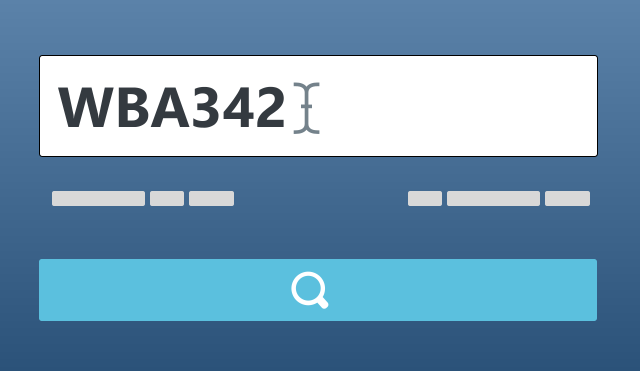
Write the VIN
In the first step write the 17 digits VIN in the yellow space on the home page or in smaller yellow spaces available on each page. Then, click on Check.
The Vehicle Identification Number (VIN) is a unique code assigned to every motor vehicle when it's manufactured. Comprising 17 characters (both digits and capital letters), the VIN provides key information about the vehicle, including the country of origin, manufacturer, vehicle type, and the model year. This number is crucial for vehicle registration, insurance, and history reports, helping to identify and track the vehicle throughout its lifespan. The VIN can usually be found on the dashboard, driver's side door, or vehicle documents.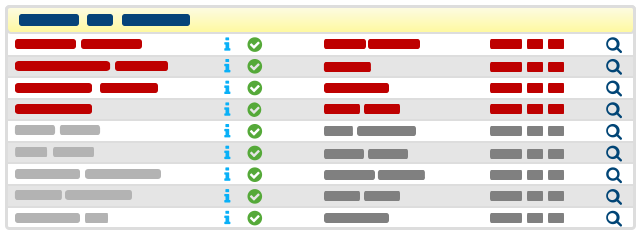
Check report's availability
The free of charge decoding of the vehicle shows basing on an expert system information on: vehicle's brand, model, country of origin, fuel type, body's type, assembly place, etc. These information are identical as information that you will see in the report. If the free-of-charge vehicle's recognition does not display some of these data, it means they also will not be shown in the report.
Section Vehicle's Contents defines information on the vehicle that are available in our data base. These are: model year/production year, mileage, checks history, data bases of stolen vehicles, manufacturer's defects, info on manufacturer, vehicle's photographs and others. Only items marked with a green data availability tick will be filled in in the report. Other items, if they are empty or there is a note on no records/data available, impossible to check, unavailability, no photos will also be left blank in the report.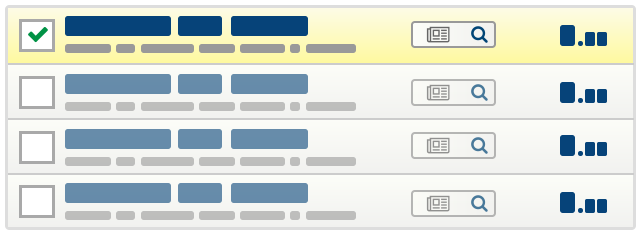
Proceed to report purchase
In the next step you will be redirected to previously chosen payment service. Please follow the instructions on the screen to complete payment.If the free-of-charge recognition complies with your assumptions you can proceed with buying the report. To continue write your e-mail (enabling you to have access to the report later on), choose right options and select way of payment. After choosing options you will see the total to be paid at the bottom of the page. Then, click on Order.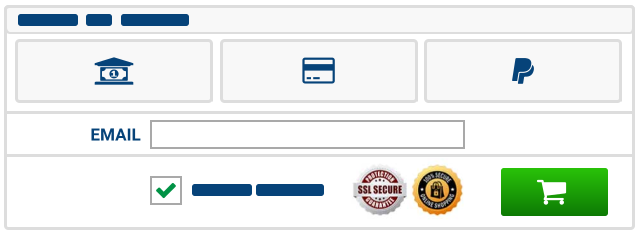
Pay for the report
Depending on the chosen way of payment, you will be directed to payment website / bank's website. Further, you proceed as per instructions on the screen.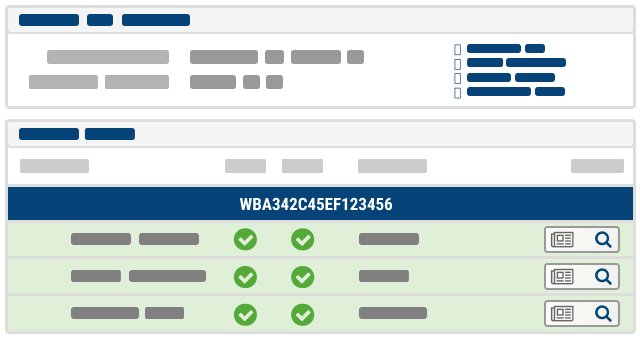
View purchased report
Upon effecting the payment you will be automatically logged in to the website with use of the previously given e-mail address and directed to your account. This page contains basic information about our account and a list of purchased reports. Reports' statuses on the list are dynamically updated. Icons designate payment status and phase of report generation. The report will be delivered immediately after payment, and you will receive a notification to the provided email address. After generating the report, it will be available for 30 days